One problem turns up identically in three different trades: the pizzeria that needs to print a ticket in the kitchen, the warehouse that needs a label on the pallet, the shop that needs to send a receipt to the till.
In all three the web app runs on a remote server. The printer sits inside the building, behind the router, on a private address like 192.168.1.50 that does not exist from outside. The server cannot reach it. It looks like a dead end, and it is the point where most projects fall back on software installed on a computer in the shop.
Why the usual answers do not convince
A VPN works, but moves the problem onto somebody else. It has to be installed, configured, and when the link drops somebody has to know how to bring it back. In a restaurant at nine in the evening, that person is not there.
An installed agent is a program running on a shop computer waiting for commands. It works until that computer is switched off, replaced, updated or taken home. Every client becomes an installation to maintain.
Exposing the printer to the internet is not worth discussing.
The missing piece is already there
One thing sits inside the shop's network and in contact with the remote server at the same time: the browser. It is open on the web app's page, so it talks to the server; and it runs on a computer on the same network as the printer, so it can talk to that too.
On its own it cannot, for two reasons that are browser defences rather than flaws. The first is the same-origin policy: a page served from one domain cannot make requests to another address unless that address explicitly allows it, and a network printer allows nothing. The second is mixed content: a page loaded over HTTPS cannot make plain HTTP requests, and the printer only speaks HTTP.
A browser extension, three files
An extension holds permissions an ordinary page does not, which settles both problems at once. It is three files.
The manifest declares which addresses the extension may talk to. It is the only place the printer is named, and that has a useful side effect: the permission list is written in plain sight and can be inspected.
The content script is injected into the web app's page and listens for messages the page sends it. The page never talks to the printer directly: it prepares the print command and hands it over.
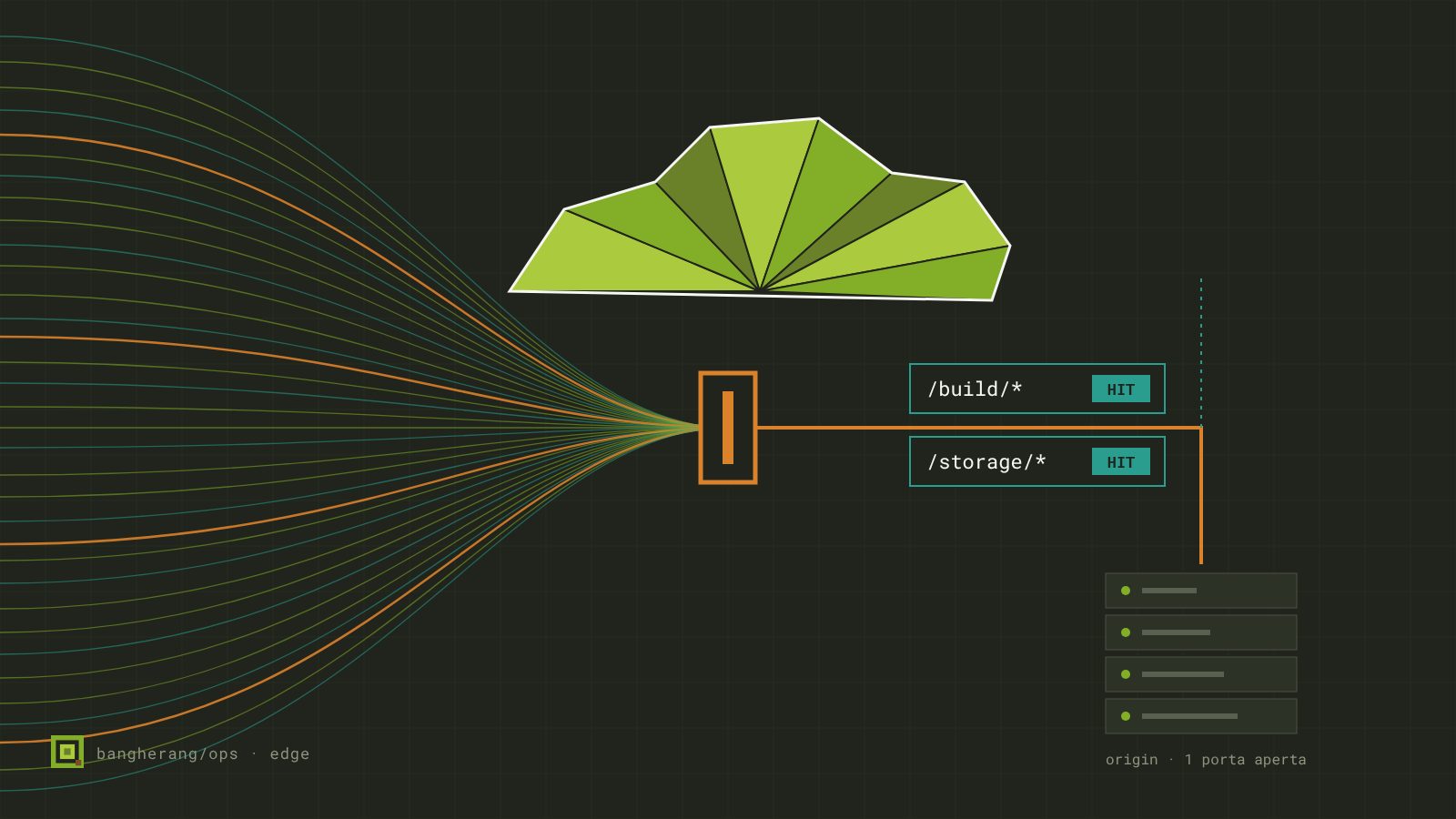
The service worker receives the message and makes the real request to the local address. It sits outside the page context, so the same-origin policy does not block it and mixed content does not apply.
For a label printer the command is ZPL sent as a POST to the device's endpoint. For a kitchen printer the format changes, the structure does not.
What you gain
Nothing to install on shop computers beyond an extension that takes thirty seconds to add. No private network to maintain. The printer stays invisible from the internet: what drives it is a browser already inside the building. And if the computer changes, you reinstall the extension and that is all.
The limit, stated plainly
An extension speaks HTTP, not raw TCP sockets. Devices that only accept a TCP connection on a port — several fiscal till printers work this way — fall outside this approach and need a different one.
Worth knowing before promising anything to a client, because it is the kind of detail that surfaces on installation day.